Magnify Live Events
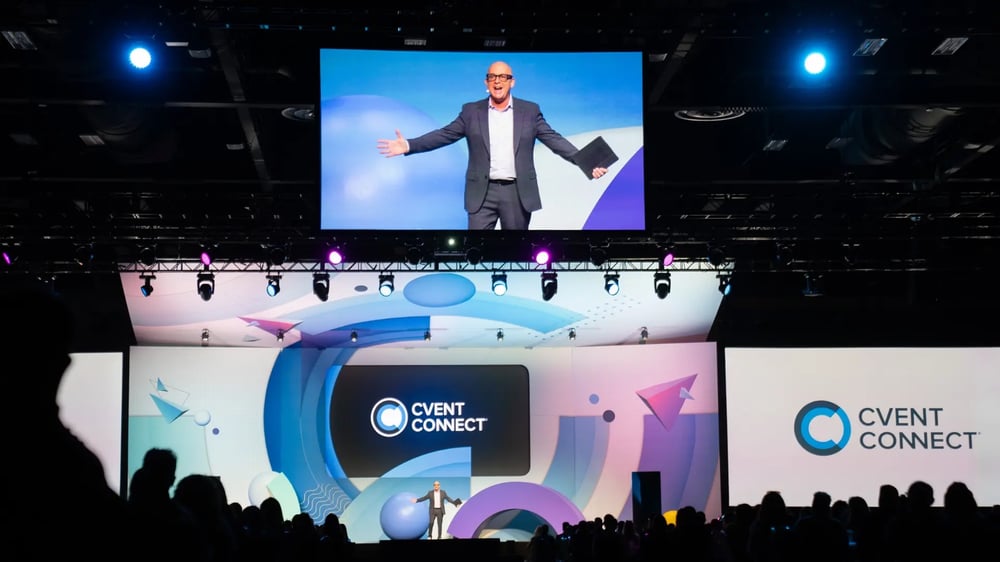
Your CEO is on stage delivering the biggest announcement of the year. From the back of the room? They're about the size of a paperclip.
Cool. Now what? That's where IMAG comes in.
What Is IMAG?
IMAG (short for image magnification) is live video of the person on stage, captured by cameras and shown in real time on large screens or an LED video wall. It gives every seat a front-row view of facial expressions, gestures, and product demos.
You'll see IMAG at keynotes, general sessions, award shows, and concerts. Basically, anywhere the room is bigger than your speaker.
5 Tips for Using IMAG at Your Live Event
IMAG doesn't happen by plugging a camera into a screen and hoping for the best. It takes planning across cameras, lighting, screens, and rehearsals. Here's how to get it right.
1. Plan your cameras early
Most general sessions need at least two cameras: one wide shot and one tight shot of the speaker. Camera positions affect seating, risers, and sightlines, so bring your AV production partner in before the floor plan is locked.
2. Light for the camera, not just the room
Lighting that looks great in person can look flat or washed out on screen. Good event lighting puts front light on faces so they stay clear and skin tones look natural.
3. Pick the right screens
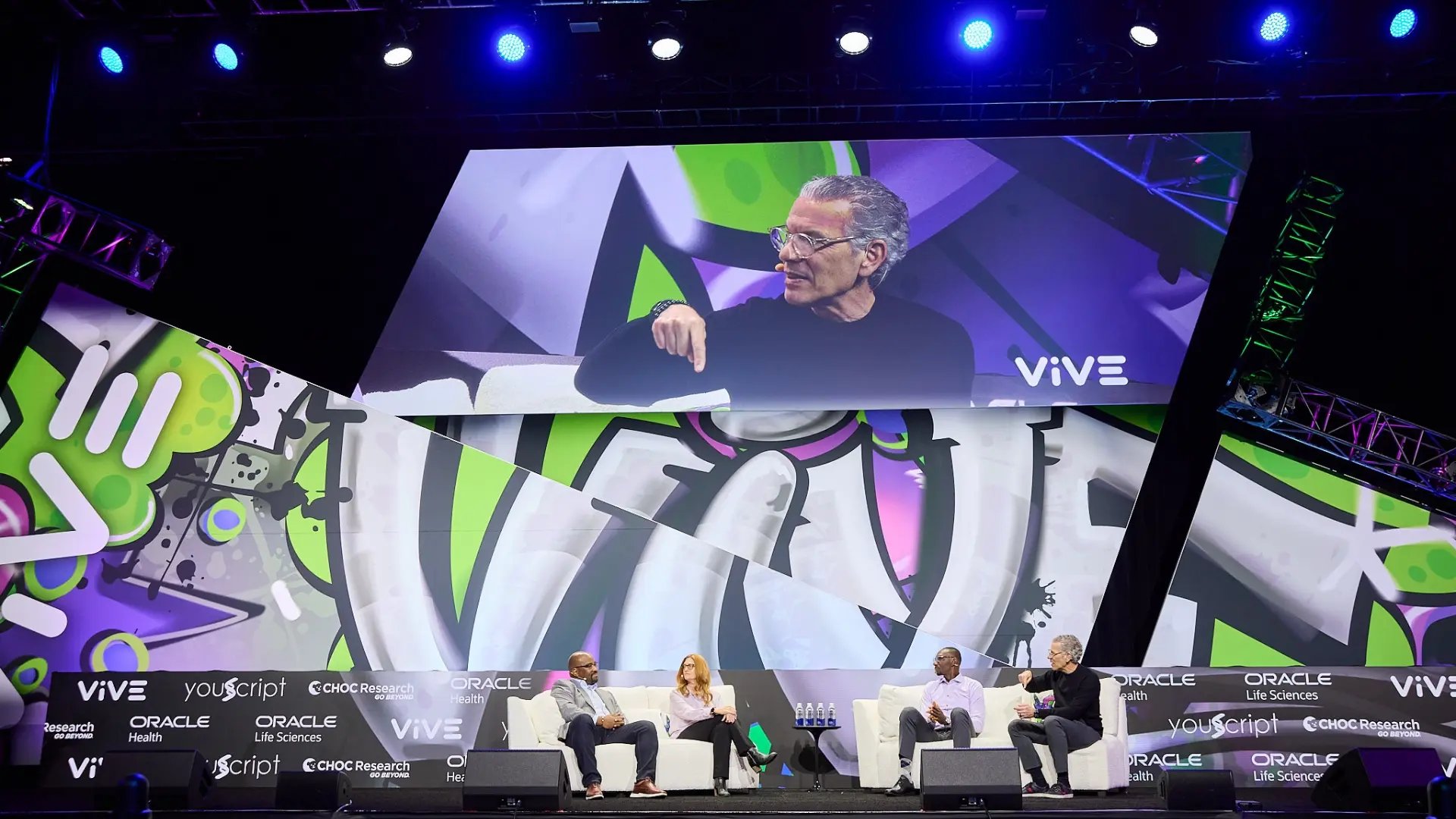 LED video walls stay bright in well-lit rooms. Projection works when you control the ambient light. Our LED vs. projection guide breaks it down. Either way, place IMAG screens close to the stage so eyes don't ping-pong across the room.
4. Watch the latency
Every camera, video switcher, and processor adds a little delay. Too much, and lips stop matching the audio. (Your audience will notice... Trust us.) An experienced video engineer keeps latency to a few frames.
5. Rehearse the shots
Speakers wander. A tech rehearsal lets camera operators and the director learn the marks, walk-ons, and big moments. Pair IMAG with confidence monitors so presenters stay locked in instead of staring at the big screen.
Clarity Tip: Your IMAG cameras can double as your livestream feed. One camera, two audiences.
Let's Make Every Seat a Good Seat
IMAG works best when cameras, lighting, screens, and stage design are planned together. That's kind of our thing. Let's talk about your next general session and how Clarity Experiences uses IMAG to elevate your brand.